
Codex Chat
Codex Chat is a Swift‑native macOS client that brings Codex AI to your desktop with local markdown memory, customizable themes, mods, extensions, and optional phone remote control.
Key features
- Swift-native macOS client
- Local markdown memory
- Customizable themes
- Mods and extensions support
- Optional phone remote control
Best for
Best for
- developers
- AI enthusiasts
- open-source contributors
Not ideal for
- enterprise teams needing centralized control
- non-technical users unfamiliar with CLI
Gallery
Frequently asked questions
Made by

Alternatives
View all
Medusa
Medusa is a desktop app that shows you Claude's complete execution plan before anything touches your codebase. Review every file change, ann...
nlsh
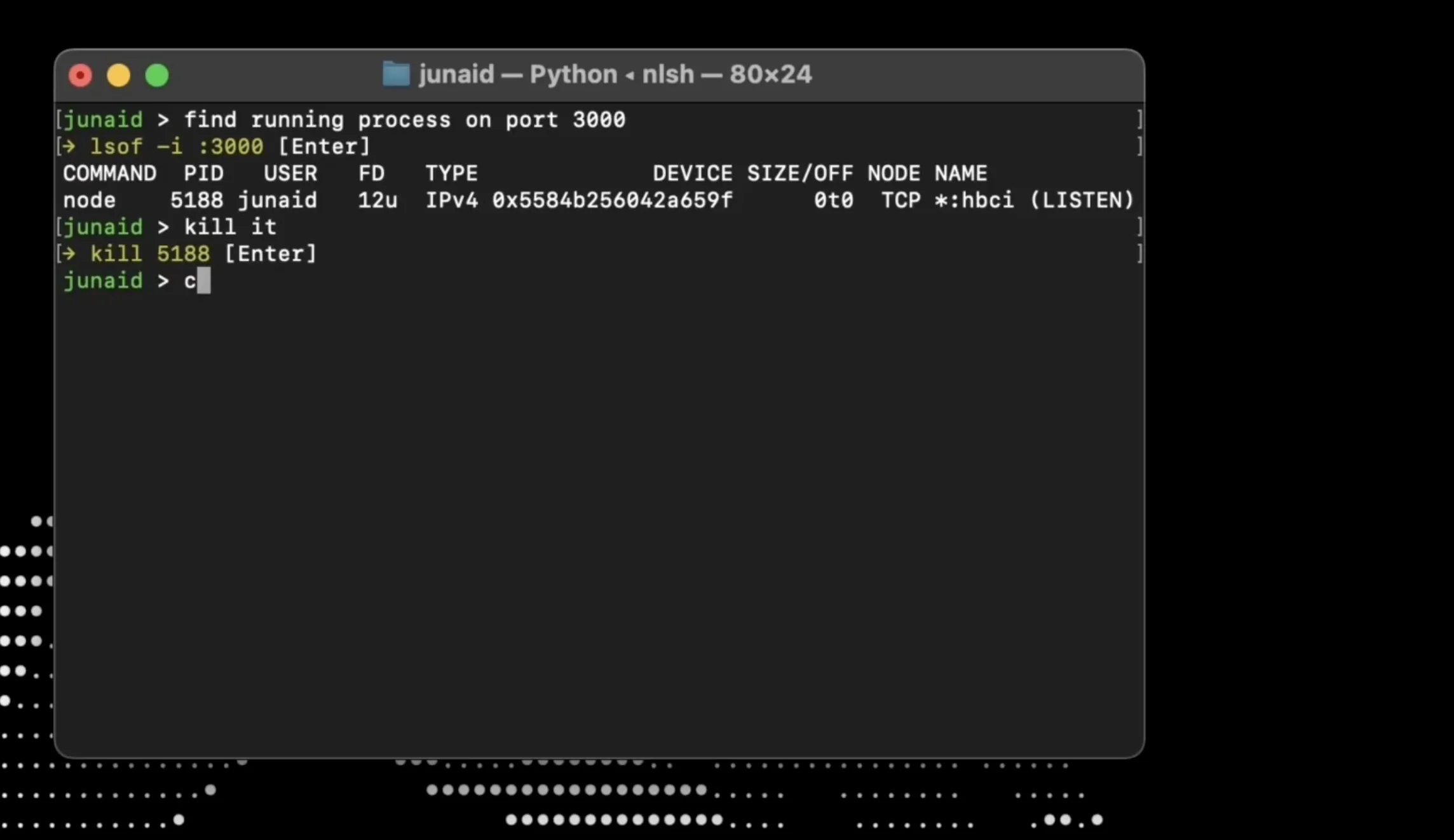
A terminal interface that translates plain English into shell commands. Stop memorizing flags. Just type what you want.

Related products

Sway
Sway is for people who think better by talking than typing. Just speak your thoughts naturally. While walking, thinking, or reflecting. Sway...

CleanShot
Discover a superior way to capture your Mac's screen with built-in annotation and amazing Quick Access Overlay.
Fantastical
Designed exclusively for macOS, Fantastical 2 includes powerful features such as an incredibly intuitive parsing engine, a full calendar win...

Lightfield
Lightfield reads your emails, meetings, and calls to build your CRM automatically. No manual data entry — ever. Connect your inbox, upload a...

Vozo AI — Video localization
Vozo AI delivers complete video translation — across voice, subtitles, lip-sync, and on-screen text. Unlike traditional dubbing tools, Vozo...